If you know me, you know I love two things: writing code that solves real problems, and shredding fresh powder.
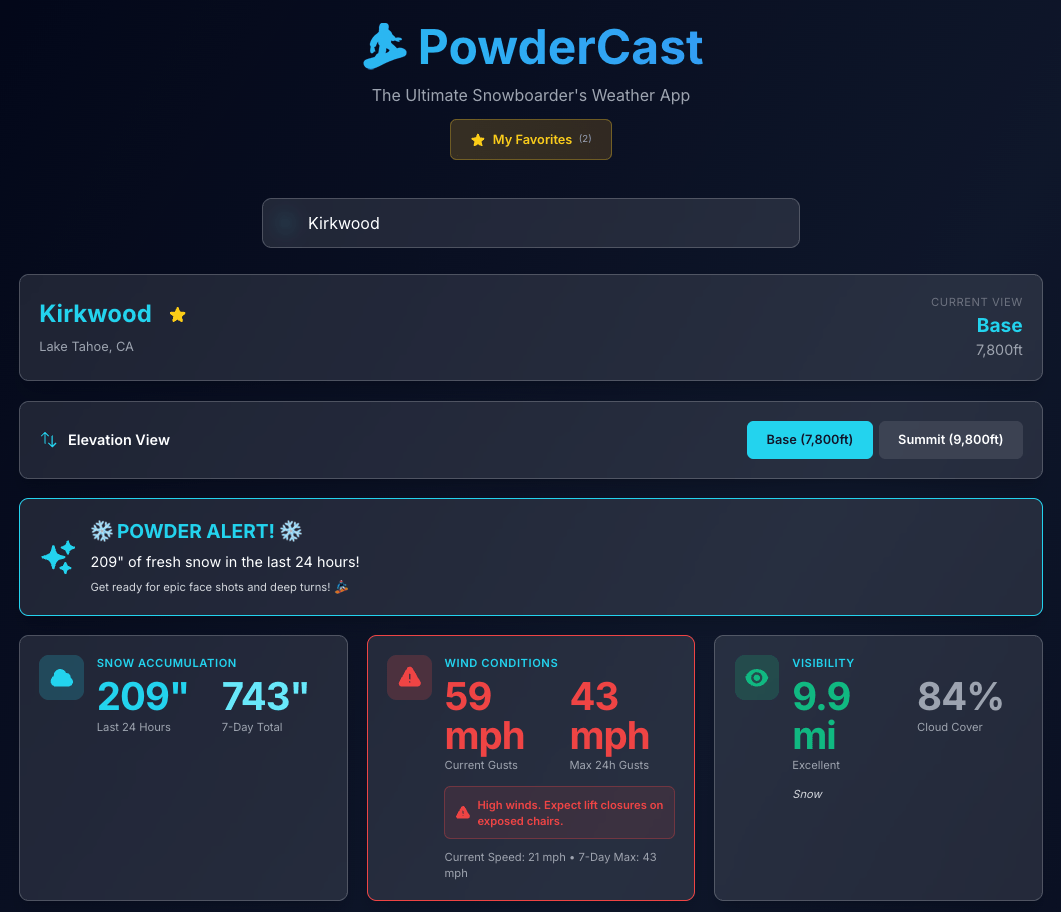
For years, I’ve been frustrated with generic weather apps. You know the struggle – the app says “partly cloudy and 30°F” for the town near the resort, but when you get to the summit, it’s a whiteout with 50mph gusts and wind-hold on every lift.
The delta between “base village weather” and “summit weather” can be the difference between the best day of your season and a frostbitten disaster.
OpenClaw isn’t interesting because it chats. It’s interesting because it acts.
If you haven’t internalized that yet, you’re still thinking in “LLM as assistant” mode. OpenClaw is closer to a junior operator with insomnia and root access. In early 2026, the ecosystem around OpenClaw (which evolved from Clawdbot and Moltbot) has exploded with community-built “skills.” The real shift? These skills run locally and have a heartbeat. They wake up. They check things. They move.
Let’s break down the most popular ones — and more importantly, how to actually build and use them without turning your machine into a chaos engine.
If you’ve ever opened a legacy project and felt your soul briefly leave your body, this one’s for you.
You know the scene:
200k+ lines of code
Three architectural “eras” living in the same repo
Tests that pass… somehow
A PR review queue that feels like airport security
Let’s fix that.
This post is a practical, hands-on guide to using gemini-cli as a serious productivity multiplier — not as a gimmick, not as a toy, but as a real engineering tool you can plug into your daily workflow today. Btw, I’m not ‘with’ Google for many years now… so it’s all my personal thoughts.
By the end, you’ll know exactly how to:
Explore massive codebases without losing your mind
Let’s slow down and separate what AI is actually good at from what actually keeps small and mid-sized businesses safe.
AI tools that scan code? Impressive.
AI that reads configs and flags obvious misconfigurations? Useful.
AI that can reason over static artifacts and suggest fixes? Absolutely real progress.
But here’s the uncomfortable truth: most SMBs are not losing sleep over static code scanning.
They’re losing sleep over this:
“Why did our Microsoft 365 tenant just send 8,000 phishing emails?”
“Why is our bookkeeper’s laptop beaconing to an IP in Eastern Europe?”
“Why did our backup silently fail for 12 days?”
“Why did we pass compliance last quarter and now suddenly we don’t?”
That’s where EspressoLabs lives.
LLMs are extraordinary pattern recognizers. They are very good at analyzing text, code, logs — when you give them the data in a clean, structured way. But SMB security isn’t clean. It’s messy, inconsistent, human, political, and operational.
EspressoLabs provides value in places LLMs simply cannot operate — at least not yet:
Here’s a boring truth: Cybersecurity and Infrastructure Security Agency publishes critical cybersecurity advisories.
Here’s a less comfortable truth: Most teams never check them.
CISA maintains the Known Exploited Vulnerabilities (KEV) catalog. These are not “theoretical risk under certain lab conditions” bugs. These are vulnerabilities attackers are actively exploiting in the wild, right now, against real systems.
When something lands in KEV, it’s not a polite suggestion. It’s a flare in the sky that says: patch this, or prepare for visitors.
And yet—no one wakes up thinking, “Before coffee, let me refresh a federal website.”
We’re building product. We’re shipping features. We’re arguing in Slack. We’re trying to remember where that one Terraform variable is defined.
The Murph Challenge isn’t a workout. It’s a systems failure conducted at heart-rate redline.
If you’ve ever tried to remember whether you’re on rep 183 or 193 of squats while your lungs are filing a formal complaint, you already know: human memory is not a reliable datastore under load.
So I built a Murph tracker that does exactly one job well—count reps—while I focus on the important things, like not dying.
🎖️ What is Murph (and why people keep doing it)
The Murph Challenge is performed on Memorial Day to honor Lt. Michael P. Murphy, a Navy SEAL killed in Afghanistan in 2005.
It was his favorite workout. Originally named “Body Armor”, which feels accurate in the same way “production incident” feels accurate.
The canonical version:
1 mile run
100 pull-ups
200 push-ups
300 squats
1 mile run
Optional difficulty modifier: wear a 20 lb vest and rethink your life choices.
I was tired of juggling recipes across bookmarks, screenshots, messages, and the occasional scribble in a notes app. A normal person would’ve organized things. I opened Cursor.
The plan was simple: a quick weekend hack. Nothing serious. Just a tiny tool to help me stop losing recipes.
But then it worked. And I liked using it. Then I showed it to a couple of friends. Then my family started using it. Then those friends shared it with their friends.
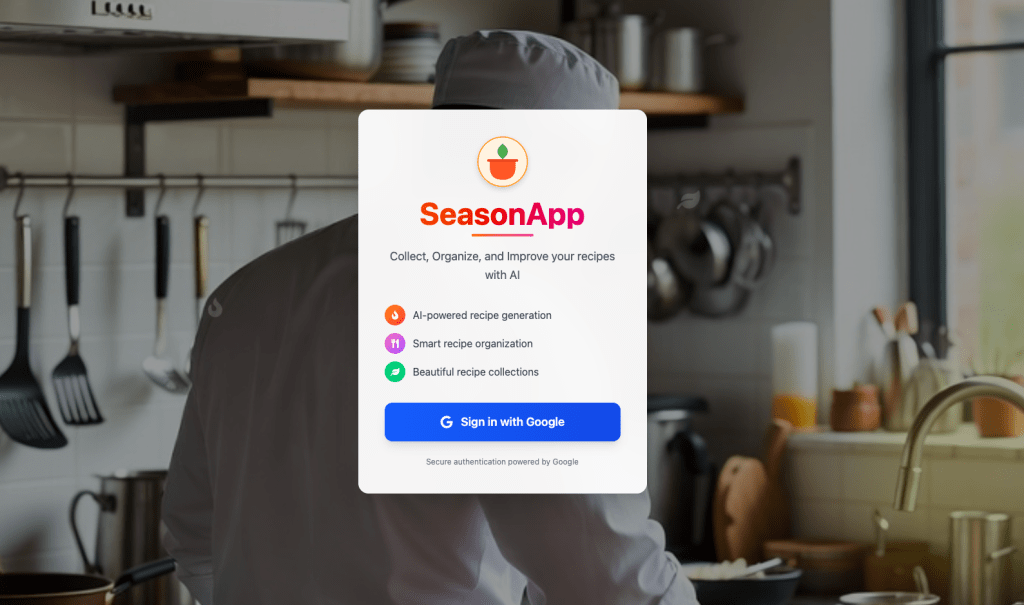
That’s when the “weekend hack” quietly transformed into SeasonApp—a small but mighty full-stack platform for cooking, powered by AI and built to remove friction from the kitchen.
Why SeasonApp Exists
If you cook regularly, your digital life eventually turns into a disorganized pantry. Tabs everywhere. Screenshots mixed with flight confirmations. Recipe blogs where you scroll past a childhood memoir before finding the ingredient list. And once you finally want to cook something, you can’t find the right recipe—or you’re missing one ingredient and the whole plan collapses.
SeasonApp brings order to that chaos.
It gives recipes a home. It helps you create new ones. And it actually understands what you want to do with whatever’s in your fridge.
The more people around me used it, the more obvious the need felt. Everyone had the same pain; they just tolerated it. SeasonApp gives them a better way.
We imagine hackers as trench-coat wizards hammering keyboards while green code rains down the screen. Reality is less Matrix and more lazy cat burglar.
They don’t “hack in.”
They log in, using the same password you used for LinkedIn in 2014 and also for your Gmail, bank, gym, YMCA portal, and that meditation app you opened (only) once.
Every developer has that moment where they stare at the screen and wish for a magic wand. Something that can unscramble a legacy codebase, sketch a UI without endless Figma tabs, or summarize a 300-page API doc that reads like… and create some good tests out of nothing.
Google just dropped something dangerously close.
Gemini 3 isn’t another “slightly better benchmark” release. It’s a real step forward—especially for people who build things for a living.