
I’ve been seeing the same anti-pattern everywhere lately.
Someone opens Cursor, Copilot or Claude and pastes a giant prompt:

I’ve been seeing the same anti-pattern everywhere lately.
Someone opens Cursor, Copilot or Claude and pastes a giant prompt:

Lovable is a remarkable product.
You describe what you want. It builds it. You ship in hours instead of weeks.
That’s genuinely impressive, and I’ve used it to launch things I would have otherwise shelved for “when I have more time.”
But “when I have more time” eventually arrives.
And when it does, you start asking different questions:
“What happens if they change pricing?”
“Can I run this on my own infrastructure?”
“Where exactly does my data live?”
Those aren’t paranoid questions. They’re the right questions.
This post is about answering them — practically, with actual steps you can follow.

There’s been a lot of noise lately about productivity tools and the “perfect” engineering workflow.
Let’s slow down and separate what actually works from what just creates more overhead.
Here’s a boring truth: Slack is incredible for quick, ephemeral communication.
Here’s a less comfortable truth: It is an absolute nightmare as a system of record.
If you lead an engineering team or run a startup, you probably have a #daily-updates or #eod-reports channel.
The theory is sound.
Everyone drops a quick note at the end of the day: what they shipped, what blocked them, what’s next.
But here is what actually happens:
Those updates get posted.
Someone replies with an emoji.
A thread erupts about a weird bug in production.
Someone posts a picture of their dog.
By Friday, when you’re trying to answer a simple question—“What did we actually accomplish this week?”—those reports are buried under a mountain of noise.
You find yourself scrolling endlessly.
It’s exhausting.
And it doesn’t scale. Not to mention that if you will need SOC-2 (and you will 🙂 ) –> you can’t say “we have everything in Slack”
You could.
But engineers hate context-switching just to write a status update.
Slack is where the conversation is happening.
The friction to post there is zero.
The problem isn’t the input. The problem is the storage.
So I (=Gemini+Claude) built a bridge.
I got tired of losing track of momentum, so I wrote a bot that does the tracking for us.
It’s a lightweight NodeJS service that automatically extracts End-of-Day reports from Slack and structures them beautifully in a Notion database.
Continue reading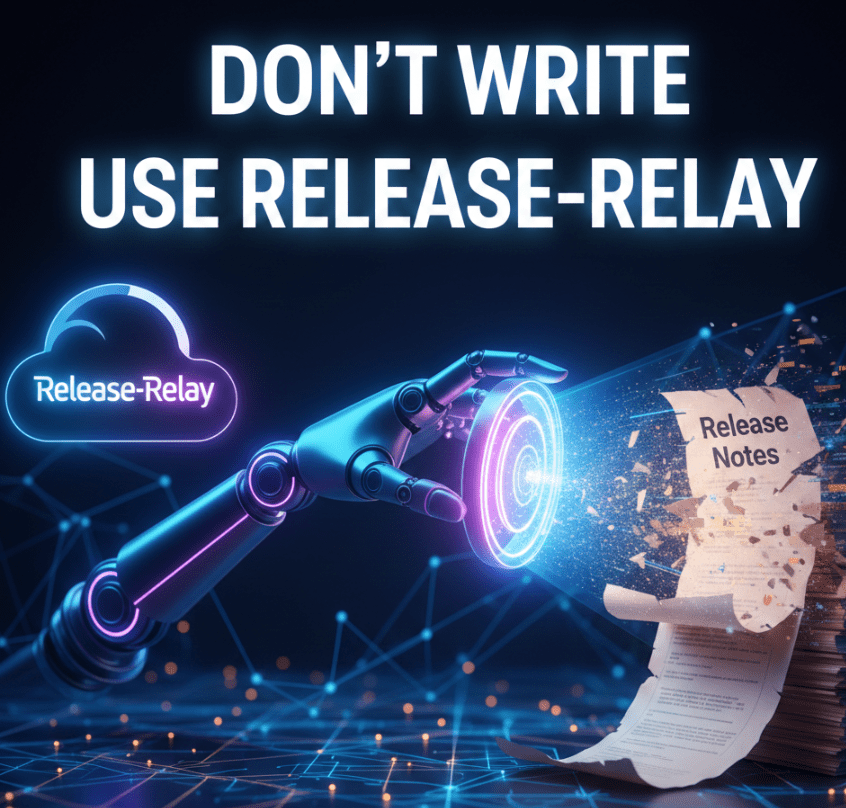
You know that feeling.
It’s Friday afternoon.
The sun is shining (or the rain is pouring, depending on where you live), and your team has just wrapped up a sprint.
You’ve deployed code, fixed bugs, and maybe even sneaked in a feature or two.
You’re ready to close your laptop and grab a cold beverage.
But wait.
A Slack notification pops up.
“Hey, can you send out the release notes?”
The dread sets in.
You open GitHub.
You scroll through the closed Pull Requests. “Fix typo,” “Update dependency,” “WIP,” “Revert ‘WIP’,” “Actually fix the thing,” “Merge branch ‘main’ into ‘feature/fix-typo’.” It’s a mess. Organizing this into something your manager (or your users) can actually read is a task that sucks the soul right out of your weekend.
I built a tool—let’s call it Release-Relay.
It’s a CLI tool that does the heavy lifting for you.
It connects to your GitHub repository, grabs all the merged PRs between two dates, and turns them into a beautiful, structured Markdown report.
But it’s not just a git log dump.
Oh no, we have standards here.

Every developer has a moment mid-flow when they break concentration to look up a flag, debug an error, or Google that one awk trick they always forget. It’s death by context switching — and the browser is the grim reaper.
That’s where Gemini CLI comes in.
It’s not just another AI chatbot ported into a terminal.
It’s an embedded, context-aware development assistant that lives alongside your code, speaks your language, and remembers what you’ve worked on — locally.
No browser tabs, no copy-paste gymnastics, no handing your project to the cloud gods.
When choosing an AI coding assistant, developers have several strong options to consider.
Claude Code offers sophisticated reasoning and natural language understanding, excelling at complex problem-solving and architectural decisions through its command-line interface.
OpenAI Codex, which powers GitHub Copilot, integrates seamlessly into popular IDEs and has been widely adopted for its reliable code completion and suggestion capabilities.
Google’s Gemini stands out with its multimodal capabilities and strong performance across various coding tasks, while offering a particularly appealing advantage for developers just getting started: it’s available for free.
This makes Gemini an excellent entry point for newcomers who want to explore AI-assisted development without any initial investment, allowing them to experiment and learn before committing to paid tools as their needs grow.
Let’s unpack how Gemini CLI changes the game for developers, how to use it effectively, and where it still falls short.
Continue reading Ido Green