If you’re searching for a fresh approach to developing web applications, SkyMass offers an innovative solution. It provides a more efficient method for swiftly crafting functional web applications for your internal APIs.
Over the past few months, I’ve had the opportunity to collaborate with SkyMass on multiple projects, and the results have been impressive. Instead of starting from scratch with a React app each time, SkyMass has enabled me to swiftly define the essential components and have a working prototype in a matter of hours or days, rather than the weeks or even months it would typically take.
Writing a useful bug report is a critical part of the software development process. A good bug report can help developers quickly identify and fix the issue, while a poorly written one can cause confusion and delay the process. Here are some tips to help you write a practical bug report:
Make Sure You Have All the Necessary Information
Before you start writing your bug report, make sure you have all the necessary information. This includes:
The world has many buzzwords that people like to use. Some are more relevant to the real world and some aren’t. If yesterday was powered by new products and features, today is going to be filled by insights from our communities.
There are around 37 million developers in the world (according to GitHub last report) so it’s a substantial community. Moreover, DevOps is growing at a rapid pace. Btw, according to StackOverflow last survey – DevOps developers and site reliability engineers are among the highest paid, most experienced developers most satisfied with their jobs, and are looking for new jobs at the lowest levels.
I think we can all agree that data is stronger than opinions, rights? This is what I really like about the special point of view that we have at JFrog. As the “database of DevOps“, we are sitting in a unique place – holding the output of what developers producing. This is giving us excellent visibility into trends and the real world.
What does this mean?
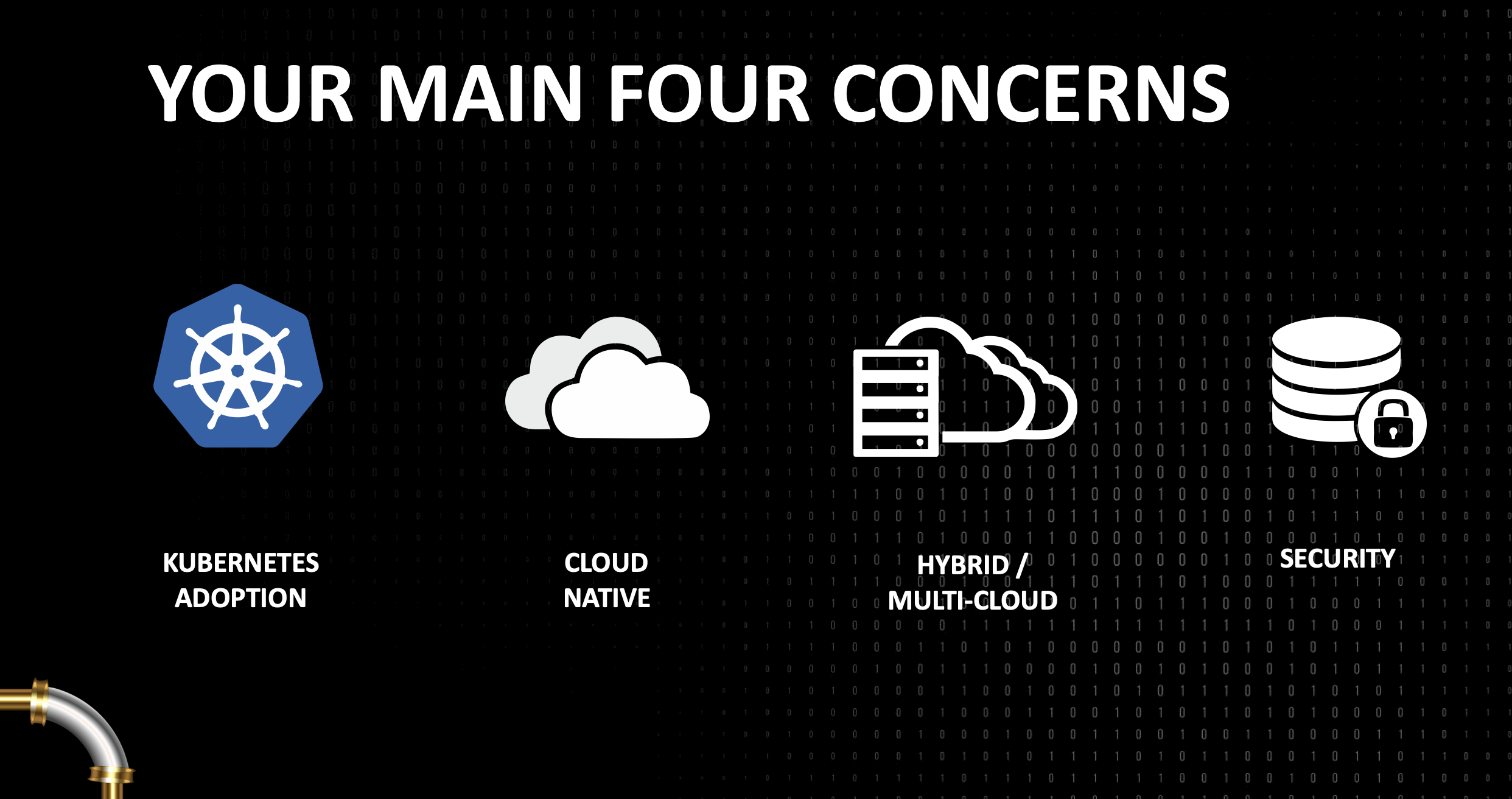
It’s about contrasting perception with reality. We combined our own data from 5000 customers with internal and external researches in an effort to give you a clear picture of the current state and what are the DevOps trends for the next 12-18 months.
The past few years, the buzz about conversational experiences and digital assistants has increased dramatically. According to a recently issued report by eMarketer, 87% of B2C marketers in the US believe that chatbots and digital assistants will play a significant role in marketing before 2021. Conversational computing and digital assistants represent a new fundamental computing wave.
Why?
There are two forces:
Natural Language Processing – The dramatic improvements in natural language processing, natural language understanding and machine learning, enable us to offer users engaging, natural conversational experiences that are far from the call center menus or the awkward chat bots of the past.
Conversation-first platforms – We can see today many platforms that support this new capabilities (e.g. smartphones, messaging apps, voice-activated speakers, watches, cars etc’). They have become increasingly mainstream, increasing familiarity with digital assistants and encouraging users to engage with them.
In these slides we will cover the big picture and why companies will wish to build an app for the Google Assistant. Continue reading →
How to pick the right (technology) tool for the job?
There are a lot of options out there. First, you need to decide where your servers will run: Google cloud platform, Amazon web services, and many others platforms that give you the ability to ‘run and scale’. Next, you need to think on the distribution platforms you wish cover and to prioritize them: Web, Android, iOS etc’.
Soon after these stages, you will hit the important questions, on your strategy. Is it going to be ‘mobile first’ or ‘mobile only’? How will you promote the product? Which channels? How to measure and tune them?
In this post, I will try to cover the tip of this iceberg. Specifically, what are some of the consideration you wish to be aware of when making the critical decisions that address your technology stack. Continue reading →
If you are a Linux hacker and/or a developer with a new Chromebook, Chromebox, Pixel or an old laptop with ChromeOS… You might want to have the ability to have a dual-boot option that will let you enjoy the power of your ChromeOS but on the same time be able to boot your laptop with Linux and enjoy C, C++, Java and the fun technologies. It might be hard on other platforms to ‘hack’ them, but since the chromium project is open-source, I guess, they wanted to be hackable by design (e.g. you have a keyboard shortcuts in Pixel that let you enter this mode). Here are the few steps you need to follow in order to enjoy hacking ChromeOS. Continue reading →
Last week, I meet with few startups to talk about their web apps. After few basic questions like: how do I save data on the client without cookies? or something like: “Can I get a video input from the browser?” I thought it might be a good idea to touch on some of the APIs that are out there today in most browsers and developers can use. The best part is that in most cases, you can start using these APIs with very little code. In this demo page you can hack around some basic HTML5 features and see the code snippets that will let you do some cool things like: save information locally (local storage for the rescue here), Geo location, device orientration, Getting Video/Audio (with WebRTC), Visibility API etc’.
Today I had the pleasure to talk (again) at DevCon Tel Aviv. In this talk, I’ve covered some of the aspects that developer should think about in the design phase, coding phase and after the ‘production time’. It was a good opportunity to put a simple demo page that contain some basic HTML5 features you might want to use. Why? because in cases like the ‘Summary/Detail’ element you get the option to have expendable/collapsable areas without any JavaScript. It’s great to have the ability to communicate to the browser our needs without doing some ‘hacks’ in JS. Other great options like: visibility API, Geo and device orientration are all working on most modern browsers. You can check out the slides and the links to the resources in them. Continue reading →
In this week we spoke about Google APIs and how you can work with them from the client (e.g JavaScript) and from the server (in this case, it was with PHP but there are many more options).
The main link that you will want to start with is: code.google.com/apis/console/ which give you the option to ‘activate’ which APIs you are going to use and later on each and every one of them you can click on the ‘question mark’ and jump to a starting guide. Another good tool is the API-Explorer which give you the option to test APIs quickly and see what each end-point will return. Continue reading →



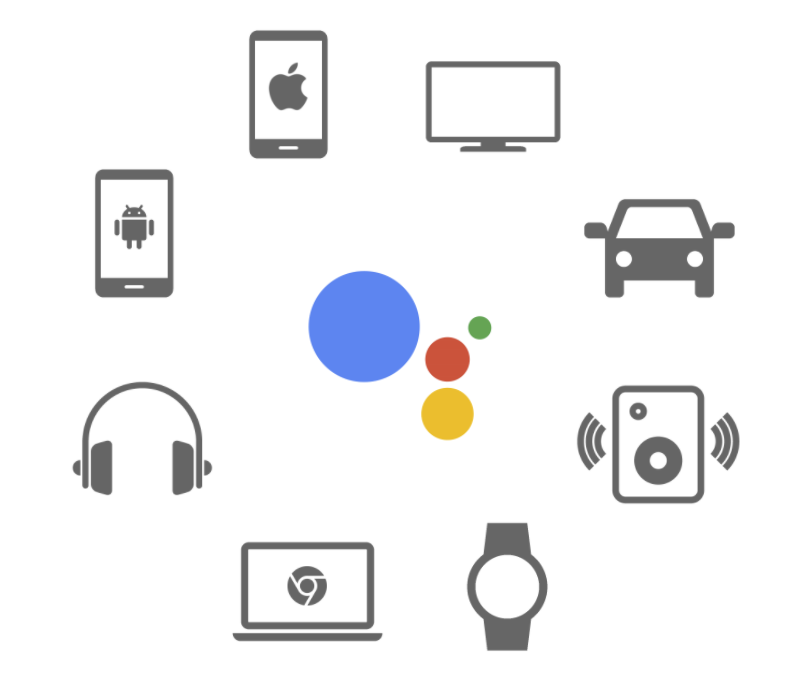 The past few years, the buzz about conversational experiences and digital assistants has increased dramatically.