JavaScript, webdev

EspressoLabs Coding Challenge: Build a Real-Time Chat App

At EspressoLabs, we’re always on the lookout for talented engineers who can move fast, think clearly, and build scalable systems. Our home assignment is designed to evaluate just that — and we keep it focused and time-boxed.

“Talk is cheap. Show me the code.”
– Linus Torvalds

Continue reading
Standard
JavaScript, webdev

The Future of Coding: LLMs as Collaborators

The rise of large language models (LLMs) has been one of the most transformative developments in software engineering in decades. Tools like GPT4.1, Gemini 2.5 Pro, Claude Opus 4, and various AI-powered code editors such as Cursor (or CoPilot) promise to change the way we build software.

But as these tools evolve and mature, the real question isn’t if we should use LLMs—it’s how.

There’s an emerging split in philosophy between two approaches: full automation through AI agents and IDE integrations, or human-led development using LLMs as intelligent partners.

Based on real-world experiences and a critical review of LLM-based coding tools, the most effective path today is clear:

LLMs are best used as powerful amplifiers of developer productivity—not as autonomous builders.

Let’s break down why.

Continue reading
Standard
webdev

Mastering Clean Code: 15 Key Lessons for Software Developers

Years ago (when Java was ‘new’), I got a recommendation from a good friend to check out “Ah, Clean Code by Robert C. Martin”. He told me, “It’s not just a book; it’s a must-read to anyone who wishes to be a professional software developer.”

He was right. This is still one of the top five books that I recommend developers read. It focuses on some simple but important concepts that will make your Code better, simpler, and easier to debug.

More than aesthetics, clean Code is about clarity, maintainability, and efficiency. Investing in writing clean Code might seem time-consuming, but it pays off exponentially in debugging, collaboration, and scaling efforts.

Think of messy Code as a tangled web: complex to navigate and easy to get stuck in. Clean Code teaches you to weave a well-structured tapestry instead—clear, elegant, and easy to extend.

Here are 15 powerful lessons every developer should carry from this book, with practical examples:

Continue reading
Standard
Chrome, JavaScript, webdev

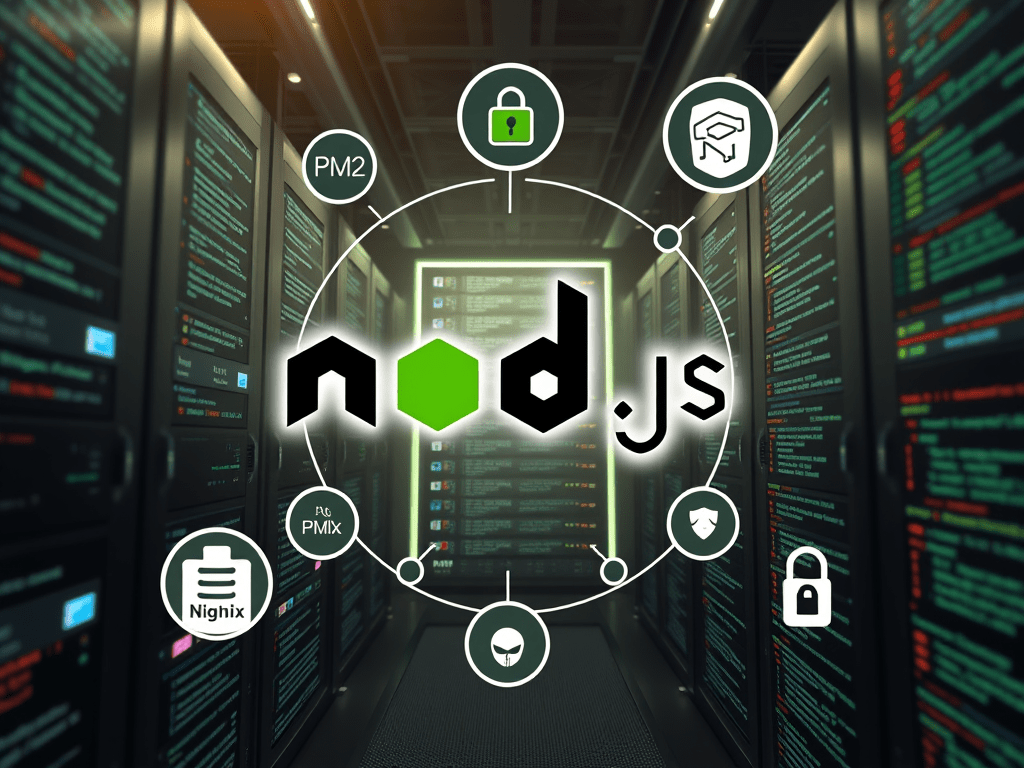
Optimize NodeJS Apps in Production on Ubuntu

Why PM2 is Essential for Applications in Production?

When deploying a Node.js application in a production environment, ensuring stability, efficiency, and reliability is crucial. This is where PM2, a powerful process manager for Node.js applications, becomes an invaluable tool. PM2 simplifies process management, enhances performance, and provides robust monitoring capabilities. In this post, we’ll explore why PM2 is essential for running Node.js applications in production.

To ensure a Node.js app keeps running smoothly in production on Linux/Ubuntu, there are many ways to achieve this, but here are some of the essential steps that will help you elevate your application’s performance to the ‘next level’:

  1. Regularly monitor system resource usage to prevent bottlenecks
  2. Implement error handling and logging to quickly diagnose and fix issues as they arise
  3. Utilize process managers like PM2 or Forever to automatically restart your application in case of failures
  4. Ensure that your dependencies are always updated and secure to avoid vulnerabilities
  5. A bonus step: consider employing load balancing and clustering techniques to enhance the app’s scalability and availability. Nginx is great here even if you have one instance.

1. Use a Process Manager (PM2)

PM2 is a popular process manager for Node.js applications that provides automatic restarts, logging, and monitoring.

Install PM2 globally:

npm install -g pm2

Start your application with PM2:

pm2 start app.js --name myNodeJSAppButInProd

Managing different configurations for development, testing, and production environments can be cumbersome. PM2 allows you to define environment-specific variables using an ecosystem file:

module.exports = {
  apps: [{
    name: "my-app",
    script: "app.js",
    env: {
      NODE_ENV: "development",
    },
    env_production: {
      NODE_ENV: "production",
    }
  }]
};

This ensures that your application loads the appropriate settings based on the environment, reducing configuration errors.

Ensure PM2 restarts on reboot:

pm2 startup
pm2 save

Continue reading
Standard
Chrome, JavaScript, webdev

Top Resources to Learn JavaScript and TypeScript Effectively

JavaScript is the backbone of modern web development. TypeScript (TS)—its statically typed super-set — has rapidly gained traction in professional environments.

Whether you’re an aspiring developer or a seasoned programmer, this guide will help you level up your skills. It will assist you in navigating the learning path for JS and TS.

We’ll share various resources and courses to suit different learning styles. We will finish with three exciting project ideas to put your knowledge into practice.

Getting Started with JavaScript

Before diving into TypeScript, it’s crucial to have a solid understanding of JavaScript fundamentals.

Here are some steps and resources to get you started:

Continue reading
Standard
JavaScript, webdev

Why/How Senior Engineers Embrace AI Tools in Development?

How can you do better (or succeed more) with AI coding tools?

Senior engineers who use AI tools (co-pilot, claude.ai, cursor, etc.) are like master chefs who know when to use the microwave and when to actually cook with fire.

Here are some of the bold aspects I’ve noticed in the past year:

Continue reading
Standard
webdev

Docker 101: From Development to Production – A Quick Guide

Docker has fundamentally transformed the way developers build, test, and deploy applications by introducing a consistent, lightweight, and portable runtime environment. With its ability to package applications and their dependencies into isolated containers, Docker has eliminated the age-old challenge of “it works on my machine” while enabling seamless deployment across various environments. The part of “It’s working for me” used to be funny or sad depends on the day and the hour…

Whether you’re developing locally, testing in a CI/CD pipeline, or deploying to production, Docker provides the flexibility and scalability to streamline these processes. In this guide, we’ll explore the foundational concepts of Docker, dive into its practical uses, and demonstrate how you can harness its power to simplify workflows and achieve greater efficiency in your development and operations pipelines. Whether you’re a beginner or looking to refine your Docker skills, this walkthrough will equip you with the knowledge you need to use Docker effectively.

Continue reading
Standard
JavaScript, webdev

Cleaner Code: The Importance of Dependency Injection in Software Development

Dependency Injection (DI) is a software design pattern that addresses the problem of managing dependencies between objects in a program. In traditional programming, objects are often tightly coupled, meaning they directly create or reference other objects they depend on.
This can lead to rigid, hard-to-maintain code that is difficult to test or reuse.
Dependency Injection solves this problem by separating the creation and configuration of dependent objects from the objects that use them.
It is a design pattern where a class receives its dependencies from external sources rather than creating them internally. Think of it as “outsourcing,” the creation and management of objects that your class needs to work on.
Instead of directly instantiating or referencing its dependencies, an object receives them through its constructor, methods, or properties.
This decoupling makes the code more flexible, testable, and maintainable.
In large-scale projects, Dependency Injection becomes especially important as the codebase grows in complexity. With many interdependent components, DI helps manage the web of dependencies, making it easier to swap out implementations, replace third-party libraries, and test individual components in isolation.
This improves the overall modularity and scalability of the system.

Continue reading
Standard
Business, webdev

The Power of Agile Methodology: Driving Efficiency and Adaptability

It is not the strongest of the species that survives, not the most intelligent that survives. It is the one that is the most adaptable to change.”
-Darwin

Here are the top 10 companies (from 1980-2005) that were once prominent but are no longer in business:

  1. Blockbuster (Video rental chain, founded in 1985, declared bankruptcy in 2010)
  2. Polaroid (Instant camera company, founded in 1937, filed for bankruptcy in 2001)
  3. Toys “R” Us (Toy retailer, founded in 1957, closed all U.S. stores in 2018)
  4. Borders Group (Book retailer, founded in 1971, liquidated in 2011)
  5. Circuit City (Consumer electronics retailer, founded in 1949, liquidated in 2009)
  6. Compaq (Personal computer company, founded in 1982, acquired by HP in 2002)
  7. Woolworth’s (Retail company, founded in 1879, went out of business in 1997)
  8. Pan Am (Airline company, founded in 1927, ceased operations in 1991)
  9. Enron (Energy company, founded in 1985, filed for bankruptcy in 2001)
  10. WorldCom (Telecommunications company, founded in 1983, filed for bankruptcy in 2002)

Ok, so it’s important to be agile.

Adaptability and rapid response to change are crucial in today’s fast-paced business environment. The pace and speed have increased by 10x (or more) with the new AI wave.

Agile methodology has emerged as a crucial approach for organizations looking to remain competitive and innovative. In this blog post, we will explore the importance of Agile, its main benefits, how to implement it effectively and provide a macro plan for executives. We will also delve into product strategy, goals, Objectives, and Key Results (OKRs) and offer eight practical tips for newcomers to Agile. Additionally, we’ll highlight some tools (that I used and liked) that can facilitate your Agile journey.

Why Agile is Important

Agile is a methodology centered around flexibility, collaboration, and customer-centricity. Unlike traditional project management approaches that rely on rigid, linear processes, Agile allows teams to adapt quickly to changes and deliver value incrementally. Btw, here is a good discussion on Agile Vs Waterfall.

Here are some reasons why Agile is essential:

Continue reading
Standard
life

Nostalgia: The Truth Behind Our Rose-Tinted Memories

The physical basis of memory is the connections between neurons in the brain. When we learn something new, the relations between the neurons involved in that learning become stronger. This strengthening of connections is called synaptic plasticity. The stronger the connections between neurons, the more likely the memory will be stored and retrieved.

Up to here, it’s easy.

But how do we retrieve the information and think about our memories as time flies?

Nostalgia, the bittersweet longing for the past, has an uncanny capability to evoke cherished memories and emotions. 

We often find ourselves fondly reminiscing about times gone by, recalling experiences, people, and places. We also tend to paint our stories with ‘better’ colors, but that’s for another time.

How much of our nostalgia is a genuine representation of the past, and how much is a mirage created by our minds? 

Continue reading
Standard