AI, Chrome, webdev

Transforming Recipe Chaos with SeasonApp

Some projects start with ambition.

This one started with annoyance.

I was tired of juggling recipes across bookmarks, screenshots, messages, and the occasional scribble in a notes app.
A normal person would’ve organized things.
I opened Cursor.

The plan was simple: a quick weekend hack.
Nothing serious. Just a tiny tool to help me stop losing recipes.

But then it worked. And I liked using it.
Then I showed it to a couple of friends.
Then my family started using it.
Then those friends shared it with their friends.

That’s when the “weekend hack” quietly transformed into SeasonApp—a small but mighty full-stack platform for cooking, powered by AI and built to remove friction from the kitchen.


Why SeasonApp Exists

If you cook regularly, your digital life eventually turns into a disorganized pantry. Tabs everywhere. Screenshots mixed with flight confirmations. Recipe blogs where you scroll past a childhood memoir before finding the ingredient list. And once you finally want to cook something, you can’t find the right recipe—or you’re missing one ingredient and the whole plan collapses.

SeasonApp brings order to that chaos.

It gives recipes a home.
It helps you create new ones.
And it actually understands what you want to do with whatever’s in your fridge.

The more people around me used it, the more obvious the need felt.
Everyone had the same pain; they just tolerated it.
SeasonApp gives them a better way.

Continue reading
Standard
Chrome, JavaScript, webdev

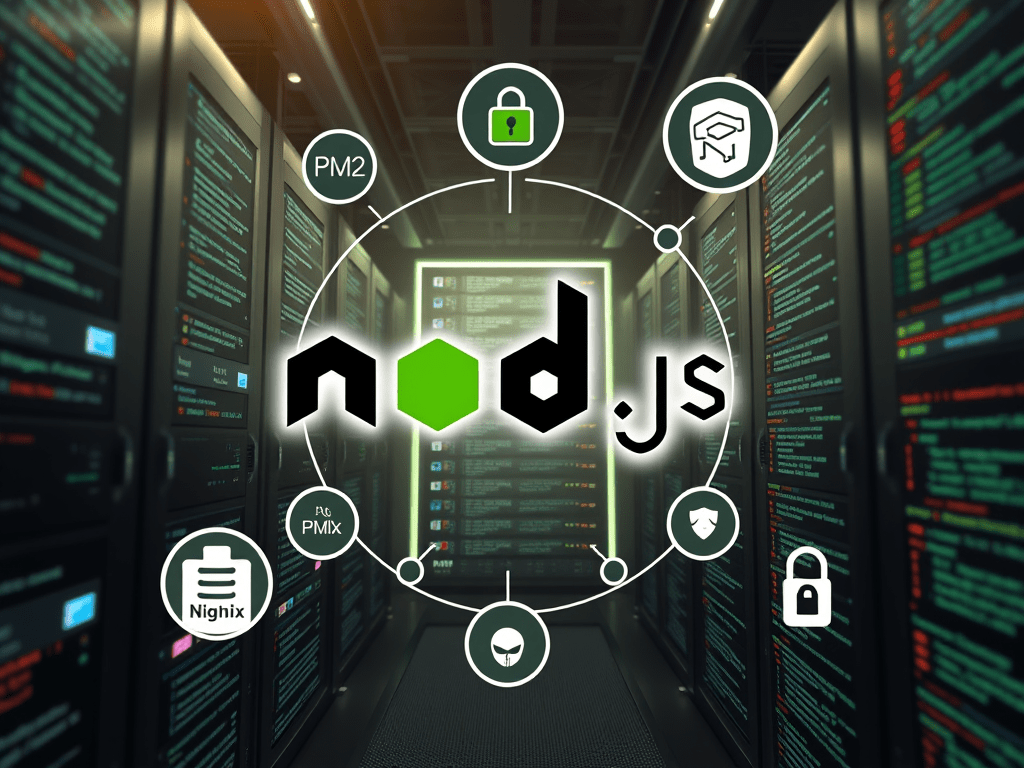
Optimize NodeJS Apps in Production on Ubuntu

Why PM2 is Essential for Applications in Production?

When deploying a Node.js application in a production environment, ensuring stability, efficiency, and reliability is crucial. This is where PM2, a powerful process manager for Node.js applications, becomes an invaluable tool. PM2 simplifies process management, enhances performance, and provides robust monitoring capabilities. In this post, we’ll explore why PM2 is essential for running Node.js applications in production.

To ensure a Node.js app keeps running smoothly in production on Linux/Ubuntu, there are many ways to achieve this, but here are some of the essential steps that will help you elevate your application’s performance to the ‘next level’:

  1. Regularly monitor system resource usage to prevent bottlenecks
  2. Implement error handling and logging to quickly diagnose and fix issues as they arise
  3. Utilize process managers like PM2 or Forever to automatically restart your application in case of failures
  4. Ensure that your dependencies are always updated and secure to avoid vulnerabilities
  5. A bonus step: consider employing load balancing and clustering techniques to enhance the app’s scalability and availability. Nginx is great here even if you have one instance.

1. Use a Process Manager (PM2)

PM2 is a popular process manager for Node.js applications that provides automatic restarts, logging, and monitoring.

Install PM2 globally:

npm install -g pm2

Start your application with PM2:

pm2 start app.js --name myNodeJSAppButInProd

Managing different configurations for development, testing, and production environments can be cumbersome. PM2 allows you to define environment-specific variables using an ecosystem file:

module.exports = {
  apps: [{
    name: "my-app",
    script: "app.js",
    env: {
      NODE_ENV: "development",
    },
    env_production: {
      NODE_ENV: "production",
    }
  }]
};

This ensures that your application loads the appropriate settings based on the environment, reducing configuration errors.

Ensure PM2 restarts on reboot:

pm2 startup
pm2 save

Continue reading
Standard
Business, cloud, JavaScript

OpenAI API – 101 Tutorial

OpenAI is a research organization focused on developing advanced artificial intelligence technology, and one way it achieves this is by making its technology available to developers through APIs. 

This blog post will explore what OpenAI API is and how to use it from Node.js – We will show a few examples you can take and combine with your current applications.
Other good examples to explore the API are at openai.com.

What is OpenAI API?

OpenAI API is a powerful tool allowing developers to access cutting-edge AI models that OpenAI researchers train. 

It’s (also) a mouthful, no?

These models can be used for various applications, including natural language processing, translation, image recognition, chatbots, etc.

The OpenAI API is designed to be easy to use, with a RESTful API that can be accessed using any programming language.
It also includes pre-built models that can be used out of the box and the ability to train custom models using your own data.

Continue reading
Standard
cloud, JavaScript

How To Build An Integration With JFrog Xray?

The trend of DevSecOps is not new but it’s growing fast. More and more organizations wish to integrate their security team in all the phases of development and operation. 

Many security products keep your code safe from vulnerabilities at different stages (dev, test, qa and prod). However, JFrog Xray is unique in its capabilities to perform analysis of all the binaries you are consuming in your project.

JFrog Xray works with JFrog Artifactory to perform a deep analysis of binary components at any stage of the application lifecycle. It provides full transparency that leads to (more) trust in your software. By scanning binary components and their metadata, recursively going through dependencies at any level (think on the layers you have in any Docker container), JFrog Xray provides great visibility into issues lurking in components anywhere in your organization.

One of the best parts is that JFrog Xray is also fully automated through a rich REST API that lets it integrate with a CI/CD pipeline and allows other binary analysis tools to build on its unique capabilities.

Continue reading
Standard
Chrome, JavaScript, webdev

Install NodeJS On Compute Engine

NodeJS

In the past, I’ve showed how to run a NodeJS application in Compute Engine. It’s a good case where you wish to test ideas with App Script but when you move them to ‘production’ – NodeJS is the answer. After the Google Developer Live show we had at the end of August, I got few questions on how to install NodeJS inside Compute Engine instance.

Here are the (easy) steps I did before the show in order to save us time: Continue reading

Standard
Chrome, JavaScript, webdev

Debug NodeJS Like A Pro

NodeJS Debugging with Chrome

NodeJS Debugging with Chrome

Anyone who is building an application find out that, what is starting as ‘small project’, becoming very quickly bigger and bigger monster. You can use console.log on small projects but as they are growing you will need better tools. In the arena of “JavaScript on the server” there weren’t many tools to debug your code effectively. However, with the power of open-source projects like: Node, Blink and others there are few powerful ways to debug you code like a pro.

First, for the one that are a bit confuse about NodeJS. Well, it’s not a “JavaScript web server” but an environment to run JavaScript on the server. It is using V8 engine so the performances are very compelling. After using NodeJS inside Compute engine I got few questions about the debugging options. In the past, developers needed to use console.log and similar ‘printing’ commands in order to understand what is going under the hood of their script. But as we mention, when you get out of the area of 100 lines script and your application contain different modules and many more lines of code. You need a debugger (and hopefully other tools like profiler) in your hands. Luckily, we can use Chrome (=Blink) dev tools for your NodeJS applications.
Here are the main steps and the ways to leverage your new ‘hammer’. Continue reading

Standard
Chrome, JavaScript, webdev

Yahoo Finance API With NodeJS

nodejs logoIn the past I’ve wrote this post on the different options you can use with Yahoo Finance API. It is time (4 years later!) to a followup post on how to gain more data but this time with NodeJS.
The first idea was to be able to gain information by using different parameters and downloading csv files from Yahoo finance. Something like this GET request will do the magic:

http://finance.yahoo.com/d/quotes.csv?s=NFLX&f=snd1l1yr and from there you can work with the data.

However, there are cases, where you wish to have information that is not part of this set of arguments. Here are two quick examples for such cases: Continue reading

Standard