
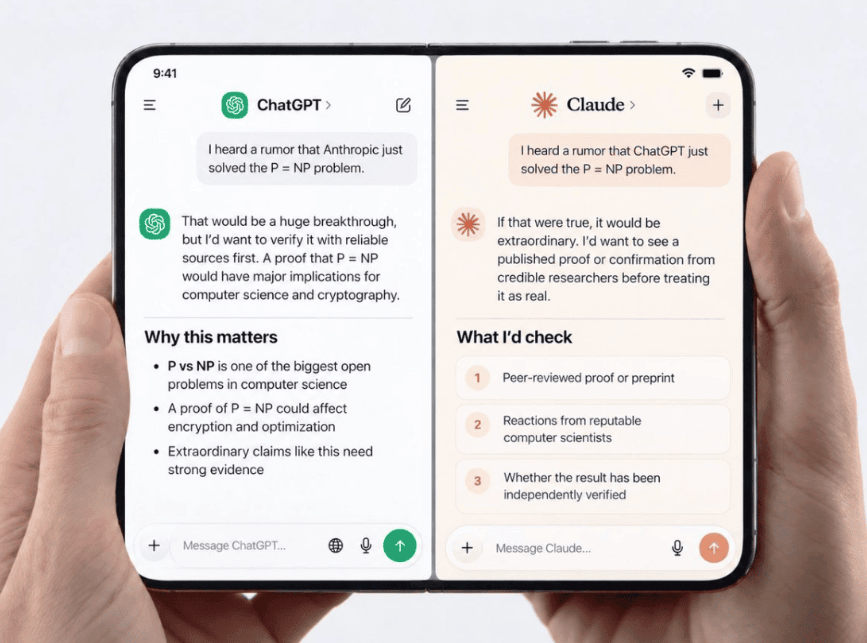

A practical follow-up to “The Power of Many”—from a small Ollama experiment to a workbench for comparing local and cloud LLMs.
A couple of years ago (2024… but it feels like 217 years ago in the AI world), I wrote about an idea that felt slightly unusual at the time: why settle for one large language model when you can ask several?
The argument was straightforward. Different models have different strengths. One might be better at explaining a tricky concept, another at writing code, and a third at spotting the holes in an otherwise convincing answer. Asking more than one model gives you something a single answer cannot: a comparison.
That was the idea behind my little open-source project, Multi-LLM-at-Once.
The original version was modest. It queried local models through Ollama and displayed their answers together. Useful, but still very much an experiment.
Since then, the experiment has become a rather more serious tool.
The question is no longer “Which model is best?”
This is where I think many of us are asking the wrong question.
We keep looking for the best model, as if there is going to be one winner that handles everything. But real work is messier than a leaderboard.
When I am debugging a JavaScript problem, I want a model that understands code and can reason through a failure. When I am exploring an unfamiliar topic, I want a model that explains clearly and challenges my assumptions. When I am writing, I care about tone, structure, and whether the result sounds like something a human would actually say.
And sometimes I simply want to know whether the answer I just received is plausible.
The better question is: Which models disagree with each other—and where?
That is much more interesting than a single score.
From Ollama to a real mix of models
The current project can query up to four models at once. They can be local Ollama models, cloud models from OpenAI, Anthropic, Google Gemini, and xAI, or any combination of those.
That last part matters.
You can run a model on your laptop and compare it with a cloud model in the same interface. You can compare two models from the same provider. You can even compare different versions of a model when you are deciding which one belongs in your workflow.
The model picker discovers what is actually available. Pull a new model into Ollama, and it can appear without changing the application code. Cloud models are discovered from the providers you have configured. This makes the tool less like a fixed benchmark and more like a workbench: bring the tools you already use, then see how they behave on the same problem.
The details matter more than I expected
One of the biggest upgrades is that the project no longer waits for four complete answers before showing anything.
Responses stream as they are generated. Each panel has its own timer, and the interface shows useful measurements such as time to the first token, total duration, and tokens per second.
That distinction is important.
A model that takes a while to start is not necessarily slow once it begins writing. And a local model may spend time loading its weights from disk before it produces its first token. The project now shows that cold-load time separately rather than pretending all waiting is the same.
For developers, these details are practical. If you are comparing models for an application, latency is not just a number in a benchmark. It affects how the application feels.
The project also keeps track of token usage, including reasoning tokens where the provider reports them. That makes the comparison more honest: a response is not just text on a screen. It has a cost, a duration, and a different execution profile depending on the model.
Four answers are not automatically four times better
There is an important catch here.
Multiple models do not magically produce truth. If four models repeat the same incorrect assumption, you have not achieved consensus—you have achieved four copies of the same mistake.
That is why I think the most valuable use of this tool is not “ask four models and vote.” It is “ask four models and investigate the differences.”
Try questions such as:
- “Explain this bug and suggest three possible causes.”
- “Review this design and identify what could fail in production.”
- “Give me two approaches, including the trade-offs.”
- “What assumptions are you making?”
- “Which part of your answer are you least confident about?”
Then compare the answers. Look for disagreement, missing details, and different interpretations of the same prompt.
The disagreement is often where the learning happens.
A conversation, not just a one-shot comparison
Another upgrade I particularly like is that each model now has its own conversation history.
You can ask a follow-up question, refine the prompt, or challenge an answer without losing the context of that particular thread. Each model sees its own conversation, rather than one shared transcript becoming a confusing mixture of voices.
There is also a shared system prompt, so you can give every model the same instructions before comparing them.
For example:
“Act as a skeptical senior engineer. Be concise, identify assumptions, and do not suggest a solution without explaining its trade-offs.”
Now you are not just comparing models. You are comparing them under the same conditions.
That is a much better experiment.
Small features that make the difference
Some of the most useful improvements are not flashy.
You can stop a run and keep whatever has already streamed. You can retry just one failed panel instead of paying for all four again. Long prompts work properly, including pasted code, with Enter to send and Shift+Enter for a new line.
You can also export or copy a comparison as a Markdown document, including the system prompt, exact model IDs, answers, timings, and token counts. That last detail is important if you are using the tool seriously. A comparison should be reproducible. “Model X was better” is not very useful unless you can remember what you asked, which model version answered, and what happened.
A small project, but a useful habit
The code is still deliberately simple. There is a React/Vite frontend, a small Express server, and one adapter per provider. The server uses plain fetch rather than a collection of vendor SDKs. API keys are kept on the server in SQLite, not sent back to the browser.
The project also has tests for the streaming parsers, provider adapters, timing logic, history, exports, and security-related request handling. The CI workflow runs the suite, builds the application, audits dependencies, and checks that credentials have not been accidentally added to the repository.
That may sound like housekeeping. It is.
But good housekeeping is what turns an interesting demo into something you can actually use.
The bigger idea
I still believe there is value in having several models answer the same question.
But I no longer think the main benefit is simply getting “more answers.”
The real benefit is developing a better relationship with the answers you receive.
Instead of treating an LLM as an oracle, you treat it as a colleague—or perhaps a small panel of colleagues—with different habits, blind spots, and ways of thinking.
Sometimes one model gets it right. Sometimes another catches the mistake. Sometimes all of them miss the point and you discover that your prompt was the real problem.
That is exactly why I keep building this project.
Not because four models are always better than one.
Because one answer should rarely be the end of the conversation.
Try the project on GitHub and be strong 👊🏽
Discover more from Ido Green
Subscribe to get the latest posts sent to your email.


what about fusion them with RRF?
good idea!
…another item to the ‘todo’ list 😉
https://openrouter.ai/fusion