Chrome, Design

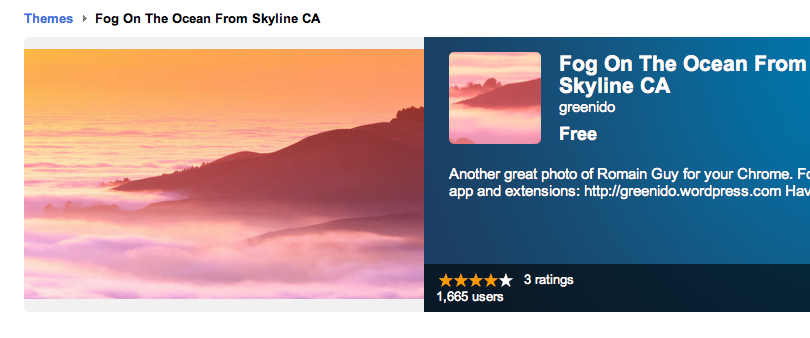
Fog On The Ocean – In Your Chrome (Or ChromeBook)

A new Chrome theme that I’ve created to give you more from this ‘autumn feel’…

Thank to +Romain Guy for the great photo.


Standard
Chrome, HTML5, webdev

8 Good Web Apps To Start Your Week

Some great web apps to ‘close the summer’:

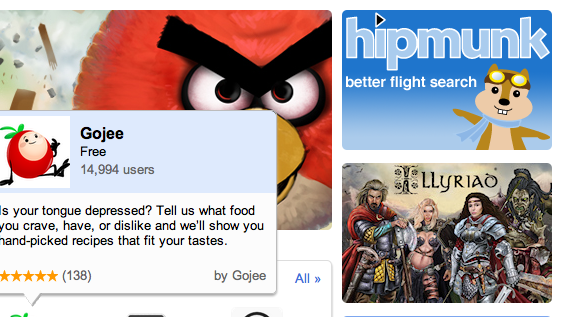
  • If you are into photos you might want to check out Cooliris – Cooliris transforms your browser into a full-screen 3D Wall for searching, viewing and sharing.
  • Need to find a good flight from SFO to JFK? this new travel search engine got some nice UI. Give Hipmunk a ride it will help you find the flight you want.
  • Flixster – Flixster Movies with Rotten Tomatoes. All you wish to know before you are going to watch a movie.
  • A 3D HTML5 Sky Chart viewer application NakshArt – The Art of Stars in HTML5.
  • Cargo Bridge – A new quality of bridge builder. Build a bridge and test your construction skills.
  • WikiInvest Portfolio – If you feel you need to be in the market these days… this app is for you. Great way to track your investments.
  • Speedtracer – For web developers that feel the need for speed. Get insight into the performance of your web applications.
  • Priceblink – Finds lower Prices, Coupons and Reviews while you shop. Checks for lower prices when you’re shopping or it stays hidden.
and let’s not forget you can now have Gmail, Docs and Calendar with offline!! good times.
Standard
Chrome

New Chrome Theme For The End Of The Summer

This is a New theme that I’ve created out of (yet another) great photo of Romain Guy. The main goal is to allow Chrome users (and not only Android ones) to enjoy the talent of Mr. Guy.

It’s a very nice sunset over Rockaway Beach.

9/2/2011 – Short Update:

I’ve notice last night that something is ‘wrong’ with Google Analytics on my web sites…

Then, on second look, I’ve saw this:
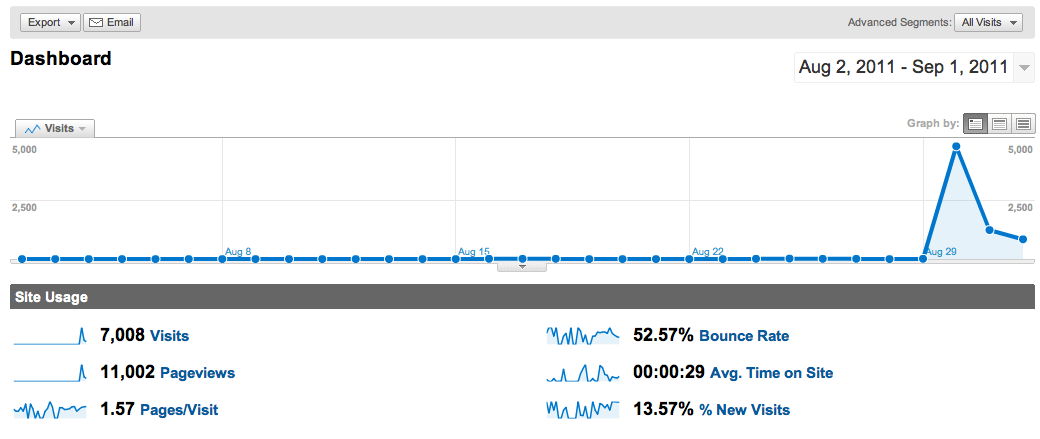
I’m really happy lots of people found this theme worth installing… There is no doubt Romain knows how/when to take photos.

Have a great weekend.

Standard
Business, Chrome, HTML5, webdev

ChromeOS on TWIG (This Week In Google) Podcast

Yesterday, I had the honor and real pleasure to be on twit.tv and talk with ‘Podcaster, broadcaster, Chief TWiT and The Tech Guy’ Mr. Leo Laporte and his gang…

They weren’t part of the ‘fun boys’ of chromebook which made this opportunity even bigger. After all, you don’t want to convince people that are already on your side, right? Well, I know some people that like to talk just with others that agree with them… but I’ll leave this for another post.

We spoke about a range of subjects related to Chrome, ChromeOS and HTML5. Here are some of the things we touched:
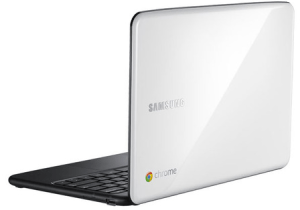
  • Why the world need chromeOS?
    For people who spend practically all of their time on a computer using a browser, the time and hassle of maintaining their computers – virus scanning, upgrading applications, removing malicious software, synchronizing and backing up files on multiple computers – can be time-consuming (to say the least), error-prone, and expensive. Chrome OS was designed to bring people the full power and richness of Chrome and the web, in a device that’s simple, secure and easy to use.
  • What is ChromeOS?
    ChromeOS is an open source operating system project for people who spend most of their time on the web. Chrome is designed and built around Google core tents of speed, simplicity and security. Here is a short video that explain it under 3min.
  • Will there be a chromeOS tablet soon?
    ChromeOS was designed from day one to work across a variety of devices. Since it’s an open source project I won’t be surprise, to see partners build different kinds of devices based on chromeOS.
  • Why I don’t have offline apps today on my chromebook?
    Well… you do! Take for example: Angry birds, New York times, GoodFood, 3DTinSparkChess and many others. I have a feeling, that in the near future, more developers, startups and big companies will start using HTML5 offline features combined with client side storage. This will give users better experience when they have limited connectivity or no connectivity.
  • Where is chromebook going to make a difference?
    IMHO it’s going to be in verticals like: enterprise and education. Why? because it make something very unique: both the software and the hardware are going to improve over time! It’s something that will save lots of money to organizations and will let them focus on their core.

I’ve portably, miss some of the points… so if you care about ChromeOS and the web, feel free to watch the video or download the audio of this show or get both the options at: http://twit.tv/twig109

Last but not least, I would like to thank TWIG crew for having me. It’s was fun! and I do hope people will start looking at this new platform from the right angles. The web (from it’s early days) came again and again with amazing innovations. ChromeOS give the web to users – For a lot of people, you need nothing more.
Standard
Chrome, HTML5

ChromeOS on MacBook Air

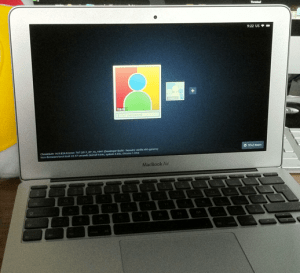
I’ve notice this nice little hack that one kid did few days ago… It’s very cool to see this great new operating system on a great hardware. Another huge advantage is the ability to get an image of chromeOS on your USB and/or a version that will run in VMware. This type of effort will give lots of developers a better way to test their chromeOS Apps/Extensions.

On useful use-case for it, will be to use the vmware image when you are building an extension that leverage chromeOS APIs like the file browser. This is the only way to test your code, beside installing it on a real chromeOS device like the chromebook.

I’m sure that in the near future, we will see chromeOS on popular tablets (Android and iOS ones).

Happy times.

Standard
Chrome, HTML5

ChromeOS Intro And Some Tips On Chrome Web Store

Here are two slides that I’ve created for a talk I gave yesterday at The Junction meetup.

Enjoy… and if you have comments/feedback – please let me know.
Standard
Chrome, webdev

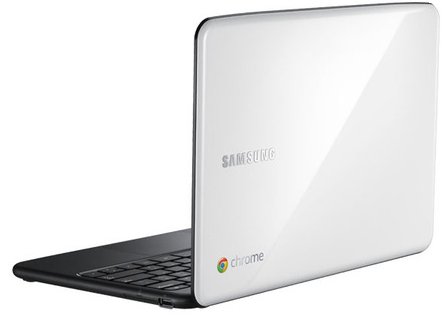
ChromeBook – Tips And Tricks

Customize It

  • First enable the sync option so you will get your passwords, bookmarks (and in the future) themes everywhere. You can do it from chrome://settings/personal and click on Sync.
  • Enable Tap to click – Go to: chrome://settings/system. Then click on the checkbox to set ‘tab as click’ – done.
  • Extension that give you shortcuts to all the ‘flags’ and settings – I’ve wrote it because I wanted to have all the shortcuts in one place… it’s very productive to have them in one click.
  • SSH client – Ctrl+Alt+t
  • Open an ssh connection to the given host Y as user X.
  • The parameter is optional and defaults to 22.
  • Log out – Ctrl+Shift+q
  • Lock screen – Ctrl+Alt+l (=L)
  • Shortcut keys
  • Press F8, then press Ctrl, Shift, Alt (once a key), press F8 again to exit

Better Browsing

  • Create a tab – Ctrl+T or click the ‘+’ on top of the window.
  • Create a new window – Ctrl+n
  • Create a new incognito window – Ctrl+Shift+n
  • Refresh current tab – Ctrl+r
  • The (one and only) File Manager – Ctrl+m  (On chromebook you got almost 16G of SSD).
  • Switch between different windows – Alt+Tab or press F12 and then use arrow key
  • Change Channel To Beta or Dev Version – Only if you are geeky enough to live on the bleeding edge, visit chrome://settings/about and click on “more info” to change channel.

For the ones that don’t know what is chromebook
Standard
Chrome, HTML5

How To Publish Your Web App To Chrome Web Store

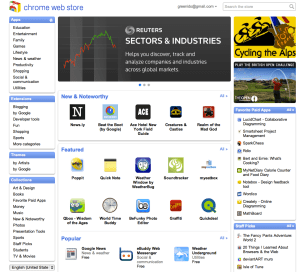
If you wish to develop an application (or should I say, a web app) or may be, you have a web app and you just didn’t think about the Chrome store as a distribution channel… Here are few places you might want to read. You will not believe how fast and easy is to put your web app in the store. The first place to check will be the ‘Chrom Web Store – Getting started Guide‘. The second place you will want to check is the option to have Hosted Apps. If you in the arena of ‘Angry birds’ – check out the new option to have Packaged Apps. Last but not least, it is always important to have an amazing ‘first impression’ on your users (and girls/boys in pubs) – so check out the best practices on your web app’s banners/images.

* Tip – a useful read is the ‘Debugging‘  it will introduces you to using Google Chrome’s built-in Developer Tools to interactively debug you web app (and/or your extension).
Standard
Chrome, HTML5, JavaScript, php, webdev

Web Developers And The Chromebook

Lots of developers that are looking at the Chromebook think for the first time: “what tool do I (=the developer) have on the chromebook that will let me write code?” There are many options of cloud IDEs and we see more and more a good integration between them and other cloud services: Google Drive, dropbox, github etc’.

[updated May 2013]

  • Neutron Drive seems like a good option with a close integration with Google drive and lots of languages its support.
  • ShiftEdit – which give you many options to develop in your language: PHP, Ruby, HTML, CSS and JavaScript and then by using (S)FTP you can save your work to  Dropbox or Google Drive.
  • Codenvy -Codenvy is a cloud IDE enables you to code, build, debug in the cloud, and deploy to your PaaS of choice. I’ve play with it and it got a nice collaboratively options. It’s support JavaScript, Java, Node.JS, Android, Spring, PHP, Ruby and Python. The environment let you do ‘pair programing’ with its screen shared capabilities.
  • Cloud9, an IDE for JavaScript, Python, PHP, and Ruby. Cloud9 uses the HTML5 FileSystem capability and AppCache to sync files, so you can even code offline. It got some really nice features that I find myself using a lot: github integration, chat, the ability to work and do reviews on your code without any pain of ‘new/other’ tools.
  • Kodingen is an Online Development Environment including Code Editor, Cloud Hosting, Database Administration, Collaboration (not yet in beta), Web based access to file-system and it sounds good. I haven’t play with it (yet) – but I’ve heard some friends that like it.
  • Codey – Easy to use code editor for HTML, PHP, CSS, JS. They are in Chrome web store.
  • Akshell – Server-side JavaScript development and hosting platform. They got some git integration built in their IDE.
  • eXo Cloud IDE – Full IDE that support: HTML/CSS/JS and PHP/JAVA/RUBY. The nice part of it is that it will let you develop in Java,PHP,JS and other technologies and to push your code to production on several cloud providers.
  • PHPAnywhere is a web based free Integrated Development Environment or IDE for the PHP, HTML and CSS, in other words it is an application that gives developers all the code editing capabilities they need to develop web sites and applications online.
  • On the other side of the scale – editpad.org give you a simple option to write in your browser and then save it. It’s a cool way to do stuff if you ‘just’ want to write something quickly without all the ‘IDE’ features flying around.
For just a quick demo or this new coding experiments, check out JSFiddle that will let you run your HTML/CSS and JS quickly and then share it on the fly with friends. In that region, you might want to see: JSLINT.com and JSHIT.com for your js coding and the fresh new ‘sister’ CSSLINT.net
Another option that is becoming more and more ‘like’ an IDE is the powerful Chrome DevTools.

Other JavaScript/CSS sources:

  • MDN Docs – One of the best sources for javascript (ref, doc and all the rest).
  • JQAPI – Excellent documentation for jQuery. Take a look at: http://jqapi.com/#p=jQuery.ajax and see its power.
  • Less CSS – LESS extends CSS with dynamic behavior such as variables, mixins, operations and functions. LESS runs on both the client-side (IE 6+, Webkit, Firefox) and server-side, with Node.js.
And for the ones that want a closer look to what the ‘cool kids’ on the block are doing with nodeJS – there is how to node.org and this free book on JavaScript.
Standard
Chrome, life

So What Developer Advocate Do?

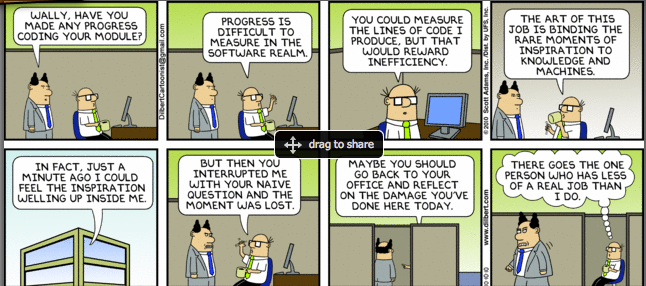
Coding, Blogging, Public Speaking And Dealing With Partners

This slideshow requires JavaScript.

Some Coding

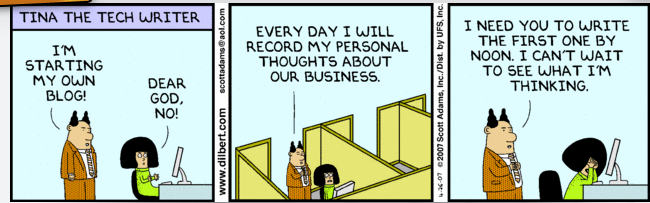
Some Blogging

Public Speaking
And Of Course – Business Development
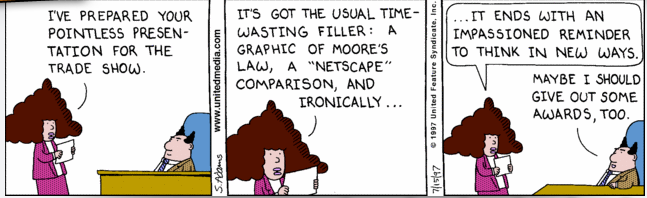
Here are all the things any Developer Advocate do on a daily/weekly bases:

and thanks to @chanezon for the ideas.

Standard