Chrome

Password Forms That Browsers Love

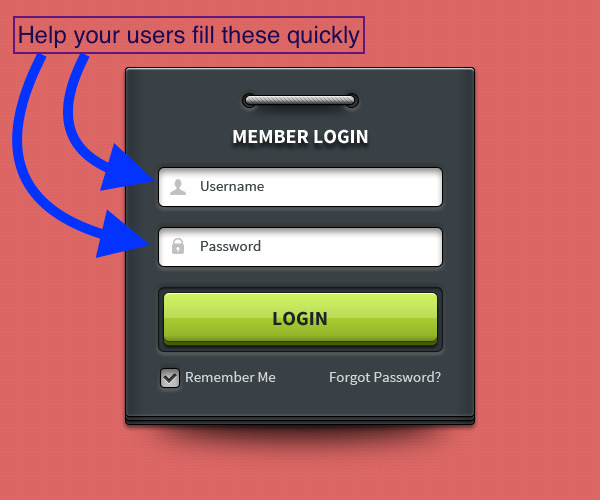
login form example

There are two types of common forms that you see every day on (almost) every website: Sign-up and Sign-in. If you want to improve your users experience and allow them to fill these forms quickly and efficiently, this post is for you.

You can help ensure that browsers’ password management functionality can understand your site’s sign-up, sign-in. All it take is a ‘touch’ of a change for your password forms by enriching your HTML with a bit of metadata.

Here are the rules to follow: Continue reading →

Standard
Chrome

High Conversion Web Forms

Cam and Ido - web forms course lead image

Last week, my new course “Building High Conversion Web Forms” was launch on Udacity. I had the pleasure to work with Cameron Pittman on this course and I hope you are going to like the outcome.

Let’s take one (I promise not two) step back, and think about forms. If you think on any meaningful experience on the web today, you will find out that it comes with a form. It might be a shopping cart, registration form, survey or even every login form. If it’s valuable, most probably it got a box that wish someone will fill it with information. Whether it’s a form made of text boxes, toggles, buttons, checkboxes, or touchable widgets, web developers need to be purposeful about forms to make users happy and increase conversions.

In our course, you’ll learn best practices for modern forms. It’s not just ‘watching’ videos. You’ll practice your skills along the way with a few self-directed projects, including an e-commerce checkout and an event planner app! As a special bonus, you’ll also watch a series of interviews with Luke Wroblewski, Google Product Director.

Continue reading →

Standard
Chrome, Design

Design Better Forms

25%-metric-on-formsTL;DR

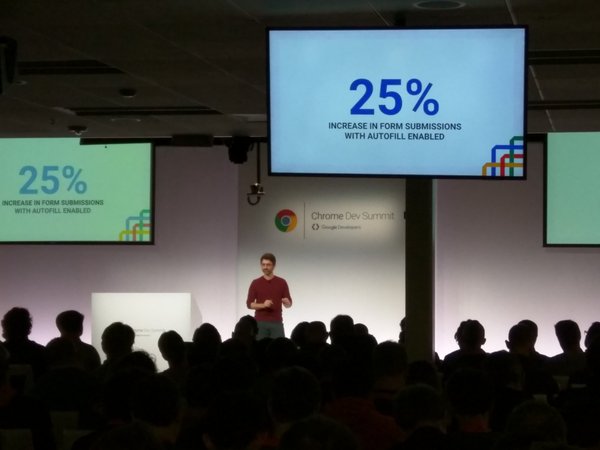
Make your forms as short as possible. The best form is no form. If you must have ‘few’ fields, make sure you optimized for Autofill with the right autocomplete attributes. As you can see in the image above, it’s moving the needle, for real.
Now, if you have another 4 minutes, here are few points to think while you are designing you next form. Continue reading →

Standard
Chrome

Chrome, Firefox And Edge/IE Will Soon Drop RC4 Encryption

browser security

What is RC4?

RC4 is a stream cipher designed in 1987 that has been widely supported across browsers and online services for the purposes of encryption. Multiple vulnerabilities have been discovered in RC4 over the years, making it possible to crack within days or even hours.

It’s good news that all the major browsers are going to drop it and move forward to a better cipher.

When?

Continue reading →

Standard
Business

Find A Great Co-Founder

Startup thoughts on changeIn the past, I wrote about hiring for startups and raising money. It’s one of these things that you must do right. Hopefully, on the first try. It’s also, easy to say and really hard to do. There are a lot of things to consider and in most cases, it’s during a time that you are extremely busy with building your product and finding answers to daily fires.

If your core team is not a great one, your chance to build a great business is low. It’s important at the start, when you wish to find a co-founder that will be a good match. This post is aimed to founders and investors. It contains the aspects that I would look for. Continue reading →

Standard
Business

An Important Question To ‪#‎entrepreneurs‬

screen-shot-2016-11-30-at-8-51-56-pm

  • “Play long enough and you might get lucky – In the technology game, tomorrow looks nothing like today.”


  • “Remember that this is what separates the women from the girls. If you want to be great, this is the challenge. If you don’t want to be great, then you never should have started a company.”


  • …And the one that is true for a lot of other cases, not just startups: “The Struggle is where greatness comes from.”

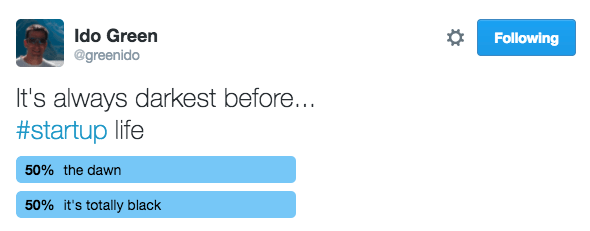
It’s about grit and your ability to be optimistic 90% of the time and realistic in the other 50%

The startup bridge

– The Hard Thing About Hard Things.

Standard
Chrome, JavaScript, webdev

Chrome 47 Updates And Web News

  • google-chrome-logoInput Device Capabilities: Chrome 47 has a new feature that makes it easier to understand the how users interact with your site: InputDeviceCapabilities! DOM input events are an abstraction above low-level input events, loosely tied to physical device input (e.g., click events can be fired by a mouse, touchscreen, or keyboard). However, there is a problem: there is no simple method to obtain the details of the physical device responsible for an event. In addition, certain types of input can generate further “fake” DOM input events for compatibility reasons. One such fake DOM event happens when a user taps a touch screen (such as on a mobile phone); it not only fires touch events but, for compatibility reasons, mouse events as well. The new InputDeviceCapabilities API provides details about the underlying sources of input events this come to helps with problems when supporting both mouse and touch input. Read More: developers.google.com/web/updates/2015/10/inputdevicecapabilities
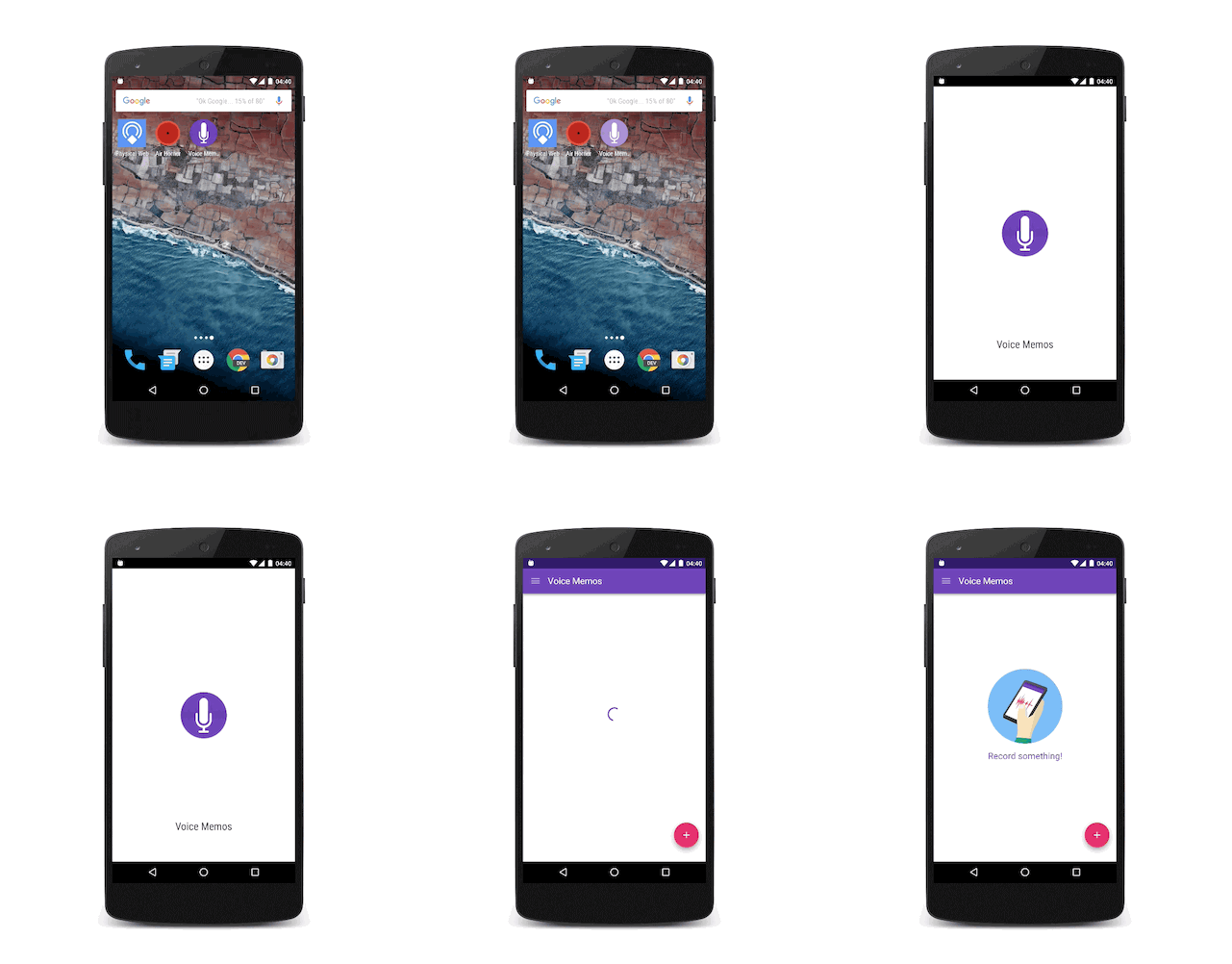
  • Adding a Splash screen for installed web apps – Over the past year we saw an effort in the Chrome team to let developers build sites and apps that feel like they are installed on the user’s system. The home screen launch process on Android is a great first step. In Chrome 46 on Android, we got the background_color that removes any delay and paints the screen with a solid color until the browser is ready to paint something from the web page. This was a good addition, yet it still didn’t look fully like an app. Now in Chrome 47 on Android, Beta these days as of October 2015, we are introducing the concept of a “splash screen”. Have a look:

Continue reading →

Standard
cloud

MacOS Docker Installation problems?

If after a docker installation on your mac you are getting something like:

Get http:///var/run/docker.sock/v1.20/version: dial unix /var/run/docker.sock: no such file or directory.
* Are you trying to connect to a TLS-enabled daemon without TLS?
* Is your docker daemon up and running?

You came to the right place.

If you follow the steps from official tutorial on how to install docker on Mac, you will come to a point where you can’t run docker. It took me a good chunk of time to find the solution so I’ve decided to write this short post on it. I hope it will be fixed soon as for this issue – but for now you will need to follow these 3 steps: Continue reading →

Standard
Chrome

Use House Ads To Improve Your Revenue

Ads at work on the beach

As developers and entrepreneurs, we have mountains of data.
Data that could change your business and move it forward. However, there is s
o much data that it’s overwhelming in some cases. Life force you, in some cases, to ignore it. But that’s the wrong path to follow! You wish data that is actionable and moving your revenue forward.

The freemium model was one of the reasons to a huge disruption in the data world. We see it clearly in the gaming market. For game developers, the need to understand users through data is particularly acute. In the past 2 years, we learn that everyone is a gamer: there were 1.78B gamers worldwide as of August [Source] and the number keep moving up. Since we are talking here on free installation, we do need to make money after the users installed our game. It will be good 

Now, because users act differently the foundation of any monetization strategy should be your analytics.
There will be segments in your userbase that will:

  • Pay for In-App Purchases
  • Click on ads
  • Engage with certain types of ads (e.g. full-screen video)

A custom monetization strategy for each user means you are maximizing your revenue. There are few (new) tools in AdMob to help you to do this. It’s call ‘audience aware’ because it will tailored the right solution to the right user at the right time. Continue reading →

Standard
Chrome, JavaScript, webdev

Chrome 46 Updates

google-chrome-logo

Performance

Service Worker

Continue reading →

Standard