

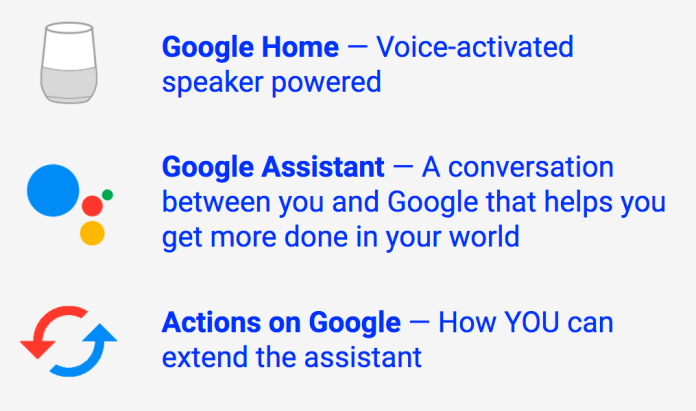
Actions on Google lets you build apps for the Google Assistant. Your apps can help you engage users through Google Home, Android phones, iPhones, and in the future, through every experience where the Google Assistant is available (e.g. Auto, IoT etc’).
One of the nice benefits is that users don’t need to install anything to interact with your apps. When they ask for your app by name, the assistant will connect them with you immediately.
Another benefit is the ability to make money. You can let Google Assistant users on phones purchase goods and services using new or existing payment methods on file either with Google or with your service. But that will be a topic for a future post.
Let’s start with a simple example… Remember that in last April I wrote about “Build you first smart bot for Google Home“?
Well, after few improvements to the quality of the jokes, of course, this assistant app is now live!
You can talk with it by asking “talk with Animal cool jokes“.
Here is what it looks like: Continue reading
 We’re entering a promising new era of computing, where advances in machine learning and artificial intelligence are creating a resurgence of interest in voice interfaces and natural language processing.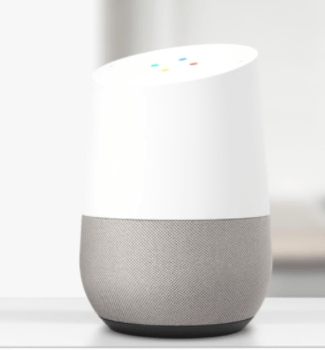
 Ido Green