
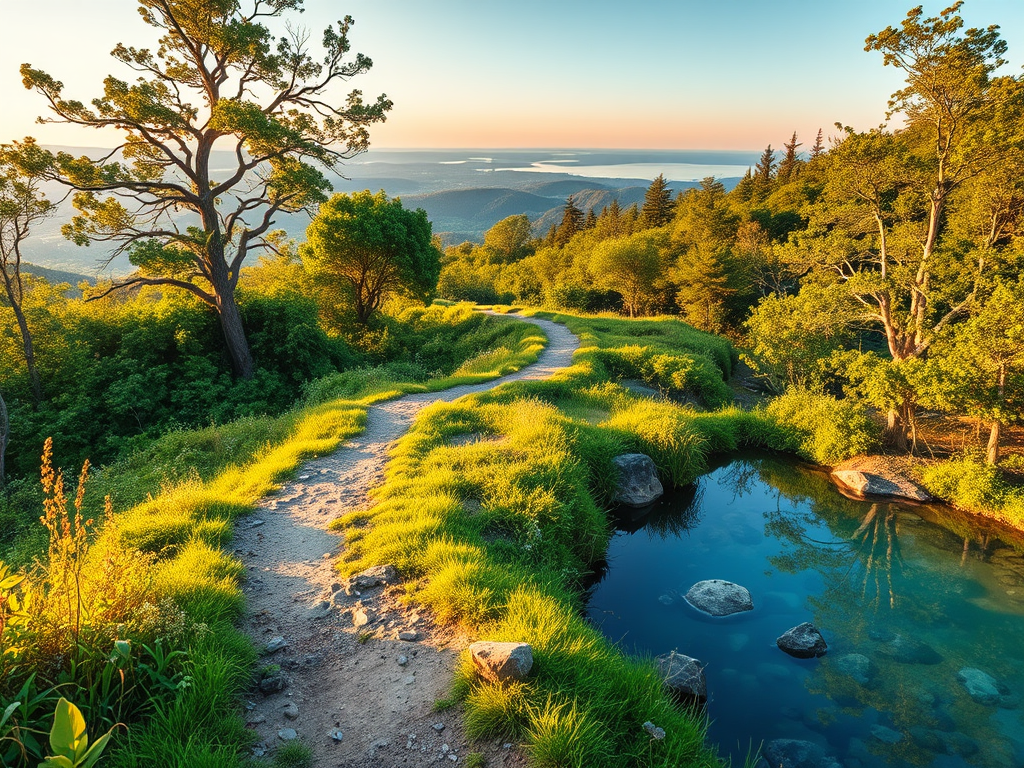
As the old proverb says:
“To find water, follow the path of the antelope.”
But in other cases, when you are planning a long ride, hike, or bikepacking trip and wondering where you can safely refill water? GPX Water Mapper helps you find potable water sources along any GPX route — quickly, privately, and for free.
Try it, explore the code, and join the (dev) community:
- Live demo: water-on-route.fly.dev
- Source code: github.com/greenido/water-on-route
What it does
- Upload a GPX: Drag-and-drop or select a
.gpxfile. - See your route: An interactive Leaflet map renders your track.
- Auto-find water: The app queries OpenStreetMap via Overpass for nearby features like
amenity=drinking_water,natural=spring, andman_made=water_tap. - Coffee?!: It will also search for good coffee spots when the user click on the ‘search coffee’ button. From there, the user can open google maps in order to gain more info on the place.
- Reliable at scale: Adaptive split-and-retry handles large bounding boxes and rate limits gracefully.
- Export enriched GPX: Download your original route with added water waypoints.
- Respectful by design: A lightweight local proxy avoids CORS headaches and helps you respect public service usage policies.
Quick start
You can run it against public services (fastest) or spin everything up locally for heavier use.
Option A: Use public Overpass and OSM tiles
npm install
npm start
# Open http://localhost:3000
Defaults used by the local proxy:
- Overpass:
https://overpass-api.de/api/interpreter - Tiles:
https://tile.openstreetmap.org/{z}/{x}/{y}.png
Option B: Local Overpass + local tile server (Docker)
docker compose up -d

# In a separate shell
npm install
OVERPASS_URL=http://localhost:12345/api/interpreter \
TILE_URL_TEMPLATE=http://localhost:8080/data/v3/{z}/{x}/{y}.png \
npm start

# Open http://localhost:3000
You can customize upstreams via environment variables on startup:
OVERPASS_URL=http://localhost:12345/api/interpreter \
TILE_URL_TEMPLATE=http://localhost:8080/data/v3/{z}/{x}/{y}.png \
PORT=3000 \
OVERPASS_TIMEOUT_MS=60000 \
TILE_TIMEOUT_MS=20000 \
TILE_USER_AGENT="water-on-route/1.0 (+local-proxy)" \
npm start
How it works
-
Frontend (
index.html,app.js,osmApi.js)- Renders your route on a Leaflet map.
- Computes a bounding box for the route.
- Queries Overpass for water features and adaptively splits the bbox with exponential backoff on 400/429/504.
- Exports a new GPX combining your tracks with water waypoints (
@tmcw/togeojson,togpx).
-
Backend (
server/index.js)- Serves the static app and exposes a small Express proxy.
POST /api/overpassforwards Overpass queries.GET /tiles/{z}/{x}/{y}.pngproxies tiles with caching headers.
-
Optional services (
docker-compose.yml)- Local Overpass API backed by a persistent volume.
- Local raster tile server for fast, offline-friendly workflows.
Who is it for?
- Cyclists planning long routes between towns or on gravel roads.
- Hikers and trail runners looking to refill safely on backcountry traverses.
- Route planners and event organizers preparing support notes for participants.
Contribute (MIT-licensed, open to all)
This project is open source and MIT-licensed — contributions of all kinds are welcome. If you’re excited about better outdoor tooling, jump in:
- Star and follow the repo: github.com/greenido/water-on-route
- Open an issue with an idea, bug report, or feature request
- Submit a pull request; guidelines are straightforward
Good first contribution ideas:
- UX polish: tooltips, mobile ergonomics, clearer waypoint labels
- Data sources: expand feature set (e.g., refill stations, campgrounds with taps)
- Caching and retry: smarter client-side caching strategies
- Export options: configurable waypoint naming and descriptions
- Docs: short gifs/screenshots, step-by-step walkthroughs
Notes and attribution
Built with Leaflet, Express, Undici, @tmcw/togeojson, and togpx. Data by © OpenStreetMap contributors. Please respect Overpass and OSM usage policies, especially when using public endpoints.
Try it now
- Live demo: water-on-route.fly.dev
- Source code and issues: github.com/greenido/water-on-route
…and share it with a friend 🍺
Discover more from Ido Green
Subscribe to get the latest posts sent to your email.
 Ido Green