
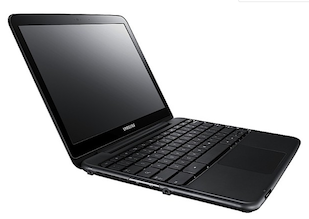
 I got few questions last week on #GDDDE (=Google Developers Day 2011 and #GDD11 which is the popular hash tag both in G+ and Twitter for these events) about window.open() in Chromebook. Here is a summary of the answers.
Few things you might didn’t know about window.open() in ChromeOS:
- window.open() will open a new tab if the window size > 50% of the width or 60% of the height of the window. So it will be a bit different in Samsung and Acer due to the different screen sizes.
- An app / extension can use the chrome.window API to call chrome.windows.create() which takes a “type” parameter which will always be obeyed. (Panel windows will be constrained to 80% of the screen width and height). Let’s have a look on how to use it.
First, let the browser ‘know’ what type of window you wish to have use this:
chrome.windows.create(object createData, function callback) Creates (opens) a new browser with any optional sizing, position or default URL provided. You should use ‘type’ as part of the ‘createData’.
type - ["normal", "popup", "panel"] This is the source of true about the window object API. Be strong.
Discover more from Ido Green
Subscribe to get the latest posts sent to your email.
 Ido Green