
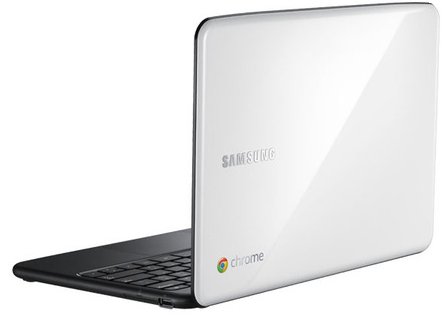
- Plug in your Chromebook to a power outlet. Some Chromebooks come with a detached battery or with a battery that need some juice so insert the battery and plug it in.
- Start your Chromebook. Power up your Chromebook by pressing the power button on the top-right corner of the keyboard.
- Select your language settings. On the “Let’s get started” screen that appears, select the interface language you’d like to use by default. If prompted, select a keyboard input method, too.
- Connect to a network. Select a Wi-Fi network from the network menu.
(!) Please make sure you’re not connected to a network that requires web-based authentication or security certificates, in other words, no ‘term & condition’ page you need to sign on before you get connection. If you are having trouble connecting? check out this Internet connection troubleshooter to diagnose your issue. - Accept terms of service. Your Chromebook will then download any available system updates so you automatically get the latest features.
- Sign in with your Google Account. In the sign-in box that appears, enter your Google Account username and password and click Sign in. Make sure you sign in with your primary Google Account, because this account will be set as the owner account.
In case you wish to activate Verizon, first make sure you’re in an area that is covered by the Verizon Wireless Network before beginning the activation. To check if your location is supported, visit this site. Once you’ve verified that your location is supported, follow these steps to check your signal strength:
- Press Ctrl+Alt+T on your Chromebook to open a terminal window.
- Type the following command and press Enter to see information about your modem:
modem status - In the information that appears, check whether the
signal_strength_dbmvalue is greater than -86 dbm.
If it’s not, try moving to another location with better signal strength before continuing with the activation process.
==
Enjoy you new Chromebook and check out these powerful web apps to get you going. Here are some Tricks and Tips as well.
Discover more from Ido Green
Subscribe to get the latest posts sent to your email.
 Ido Green
Pingback: Life-saving tip.