
 Customize It
- First enable the sync option so you will get your passwords, bookmarks (and in the future) themes everywhere. You can do it from chrome://settings/personal and click on Sync.
- Enable Tap to click – Go to: chrome://settings/system. Then click on the checkbox to set ‘tab as click’ – done.
- Extension that give you shortcuts to all the ‘flags’ and settings – I’ve wrote it because I wanted to have all the shortcuts in one place… it’s very productive to have them in one click.
- SSH client – Ctrl+Alt+t
- Open an ssh connection to the given host Y as user X.
- The parameter is optional and defaults to 22.
- Log out – Ctrl+Shift+q
- Lock screen – Ctrl+Alt+l (=L)
- Shortcut keys
- Press F8, then press Ctrl, Shift, Alt (once a key), press F8 again to exit
Better Browsing
- Create a tab – Ctrl+T or click the ‘+’ on top of the window.
- Create a new window – Ctrl+n
- Create a new incognito window – Ctrl+Shift+n
- Refresh current tab – Ctrl+r
- The (one and only) File Manager – Ctrl+m (On chromebook you got almost 16G of SSD).
- Switch between different windows – Alt+Tab or press F12 and then use arrow key
- Change Channel To Beta or Dev Version – Only if you are geeky enough to live on the bleeding edge, visit chrome://settings/about and click on “more info” to change channel.
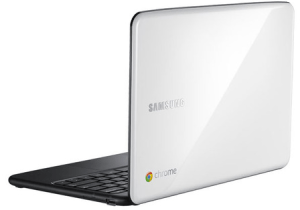
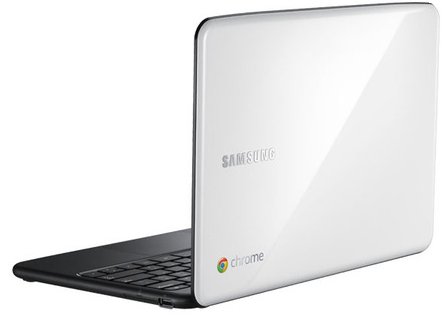
For the ones that don’t know what is chromebook
Discover more from Ido Green
Subscribe to get the latest posts sent to your email.
 Ido Green